85-inch Interactive Whiteboard
85-inch interactive display for meetings and teaching, with touch and on-screen writing. See the model specifications for its configuration.
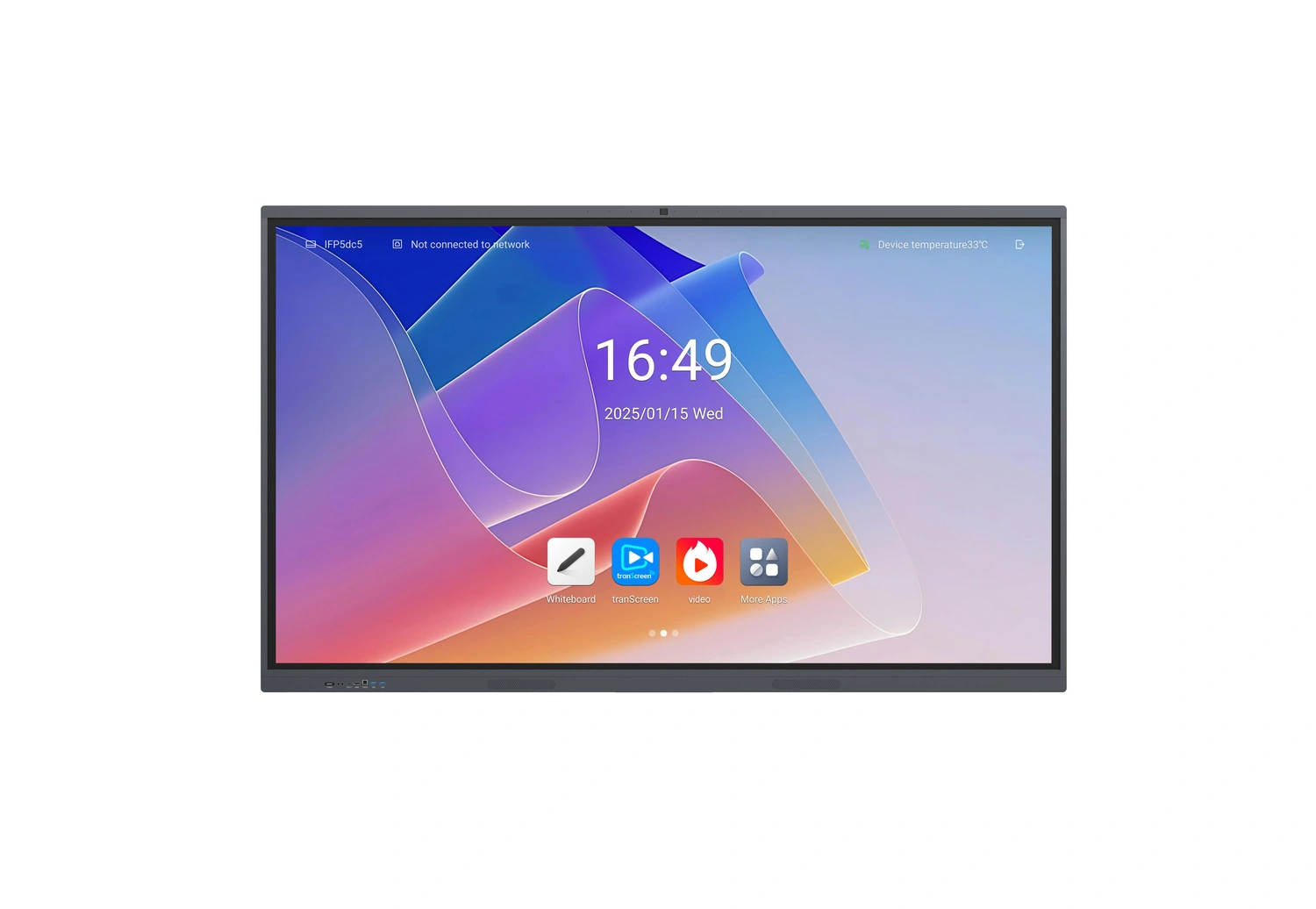
New catalog family illustration. Confirm exact size and configuration against the specifications and quotation.
Explore real project examples ↗Standard price for selected configuration
THB 52,000
Size: 85-inch3840 × 2160 4K450 cd/m²Classic Black (Standard)1-Year Warranty
Executive 85-inch flagship display crafted to elevate boardroom presentations and corporate townhalls (25–40 people)
Architectural matte black aluminum bezel providing timeless sophistication for any professional space
Mobile Display Stand Options: Compatible with GC1700 (3,000 THB), GC1800 (3,500 THB), and Pro Stand (4,200 THB). Special bundle price available.
1-Year Warranty · Delivery, installation, and user training support available
Key Highlights & Performance
Engineered for executive boardrooms, seminar halls, and smart classrooms
- 4K UHD Ultra-Clear Panel4K UHD Display
Anti-glare tempered glass with 178° wide viewing angles for presentation clarity
- 20-Point Infrared Touch20-Point Touch
Zero-gap natural handwriting experience with included dual-tip magnetic stylus
- Integrated 13 MP AI Camera & 8-Mic Array13MP Cam & 8-Mic
Auto-framing meeting camera and noise-canceling beamforming microphone array
- Wireless Multi-Screen CastingWireless 4-Screen
Supports 4-way split screen comparison across iOS, Android, macOS, and Windows
- Android 14 OS with Windows OPS OptionAndroid 14 & Dual-OS
Flagship Android 14 system with optional plug-and-play Intel Core i5/i7 Windows OPS
Technical Specifications
Screen size
85 inch
Display area
1872.6 × 1053.6 mm
White finish
White +5,000 THB
Price
52,000 THB
Resolution
3840×2160 4K
Refresh rate
60 Hz
Brightness
400–450 cd/m²
CPU
Cortex-A73 × 4
GPU
Mali-G52 with AI NPU
Memory
8GB RAM / 128GB ROM
Base OS
Android 14
Optional OS
Windows 10/11 Pro on request
Camera
13 MP with 8-array microphone array
Functions
Touch screen, handwriting with supplied stylus, screen casting and sharing, in-meeting use
Durability
Weather resistant (sun and rain); stand sold separately
Warranty
1 year
FAQ
What is an interactive whiteboard?
An interactive whiteboard combines a large display with touch and on-screen writing for presentations, meetings and teaching. Resolution, operating system, camera and accessories vary by model; compare the specification table before choosing.
How to choose the right interactive whiteboard size for a classroom?
Start with room dimensions, the farthest viewing position, mounting method and whether participants need to write on screen. Compare the available 55–98 inch models and confirm the exact display area and stand or wall-mount requirements.
What is the difference between an interactive whiteboard and a regular TV?
An interactive whiteboard is selected when touch, writing and collaborative presentation are required. A regular television is primarily for viewing content. Compare the exact inputs, software and accessory requirements rather than assuming every display has the same functions.